Guide
Abacus
Buy and sell at vendor shops, or trade with other players through the auction house — in person or from anywhere in the worlds.
Vendor shops
Not every vendor buys and sells the same way. Some only sell, some only buy, and some do both. Hover items (and try your inventory) to see what that vendor offers.
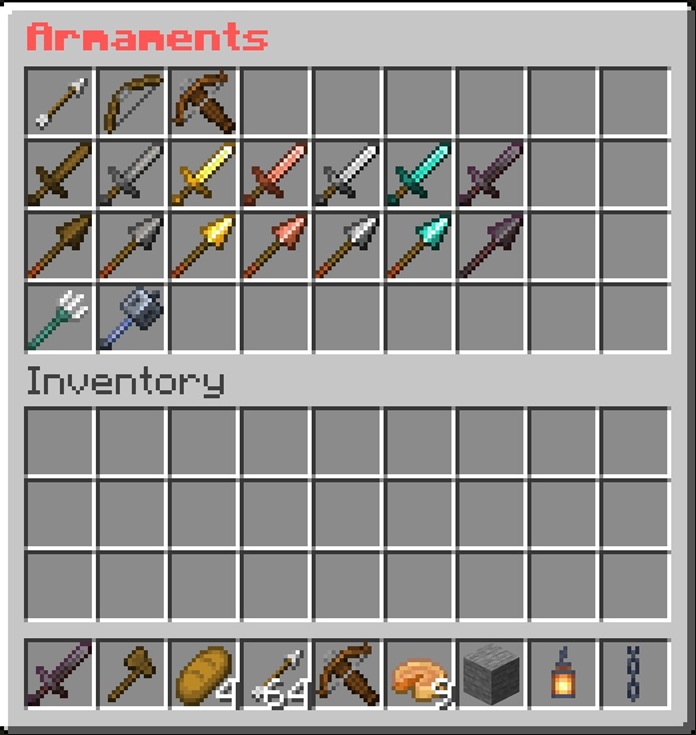
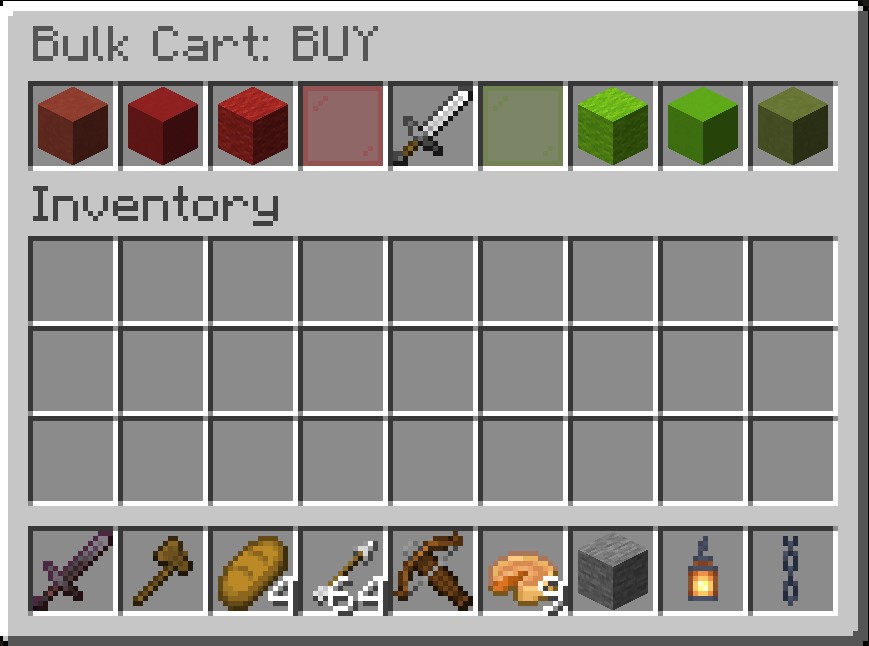
- Walk up to the vendor and right-click to open the shop screen.
- Hover over items to see what’s for sale, or what the vendor will pay if you sell.
- In the upper (shop) area, click an item to open the BUY transaction screen (right).
- On the top row, use the quantity setters (hover to see what each does) to set how many you want.
- Click green glass to confirm, or red glass to abort.
- To sell: click an item in your inventory that the vendor buys — that opens the SELL screen.
- Same flow as buy: use the quantity setters, then green glass to finish (or red to abort).
Auction house
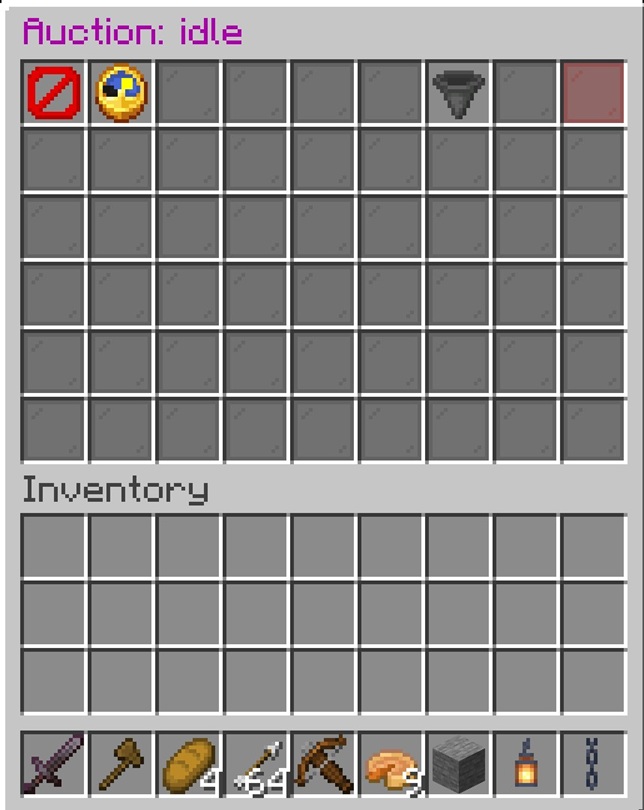
- Walk up to the Auctioneer and right-click, or type
/abacus:auctionanywhere Abacus is available. - If an auction is live, click the item you want — it moves to the top-left slot. That’s the lot your bid applies to; click again if it’s wrong.
- On the top row, use the bid setters (hover to see what each does) to set your bid amount.
- Click green glass to confirm, or red glass to abort — same as a shop.
- Hover any item for sale to see its details. You cannot bid on your own items.
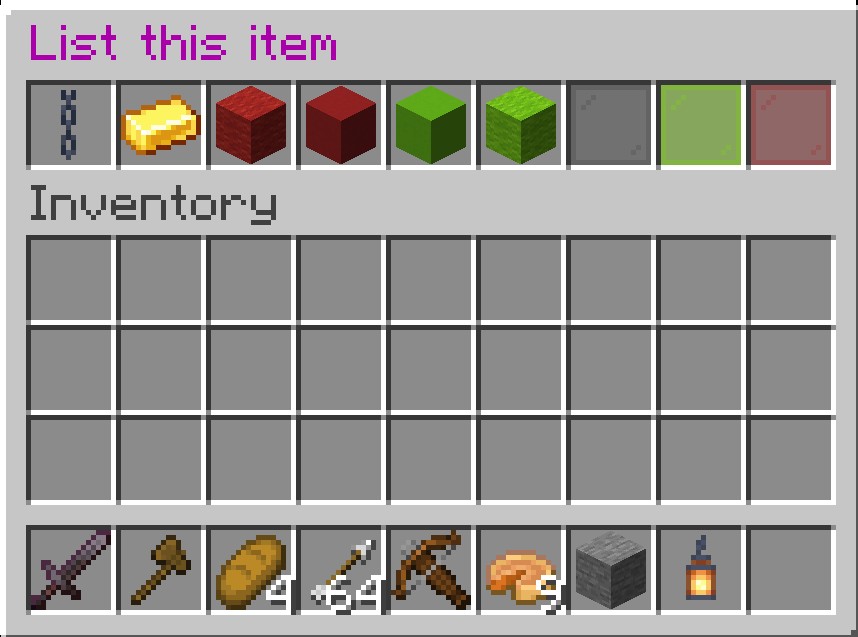
Listing: if no auction is active, offer up to 2 items (up to 1 stack each). Drop an item in the hopper (left) to open the list screen (right).
- On the top row, use the price setters (hover to see what each does) to set your opening (minimum) price.
- The gold ingot shows a shop default price, or zero if shops don’t sell that item — set as you see fit.
- Click green glass to confirm, or red glass to abort.
Junk items are banned from auctions (dirt and similar). You’ll be told if an item isn’t valid to list.